Connecting to Your Network
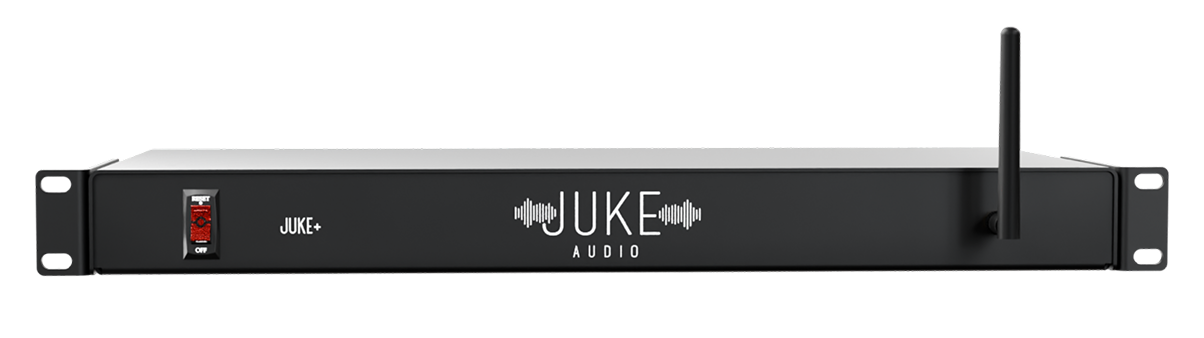
For optimal performance, please connect your Juke via Ethernet into the LAN port on your main router or network switch. Can’t hardwire the unit? Please place a wireless access point as close to the Juke as possible for best connection. If you have two networks at the location, you'll want to consolidate them to ensure your phone and the Juke are always able to communicate with each other reliably.