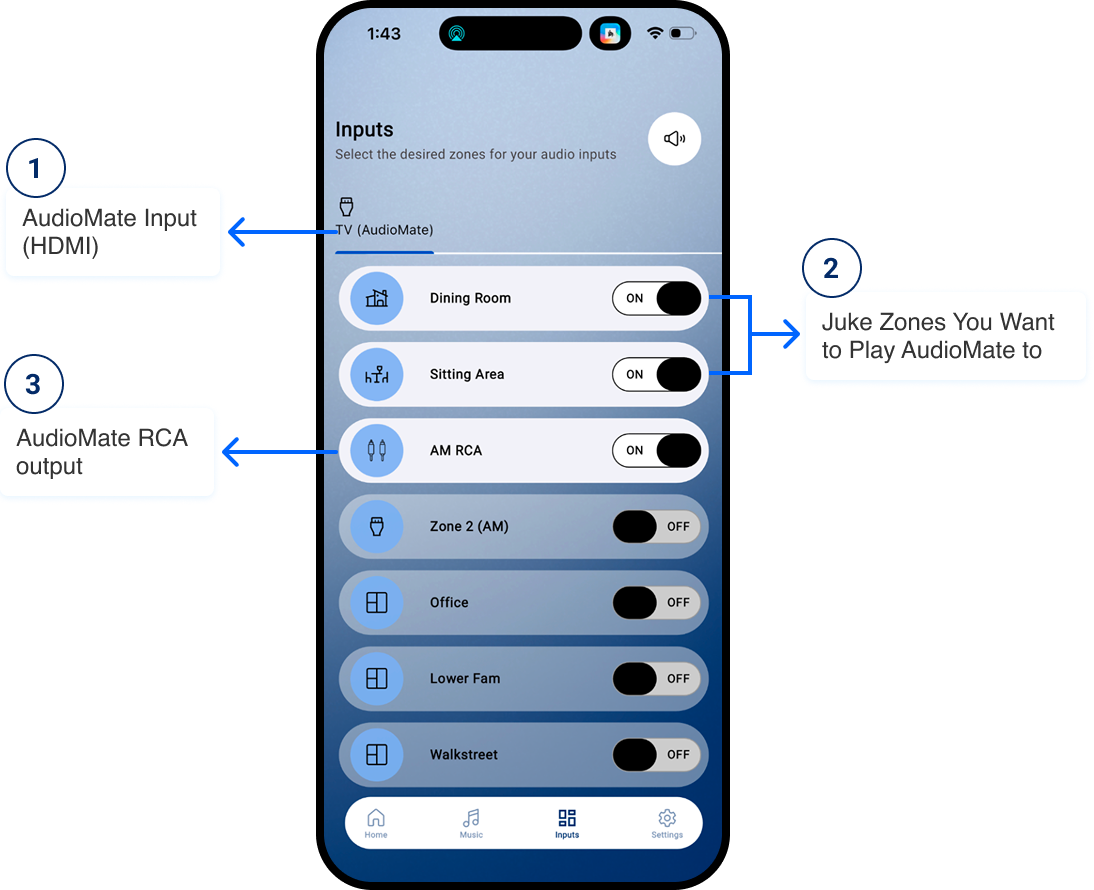
Drop this photo below into a phone image and have an arrow pointing to the TV (AudioMate) and have it say “AudioMate Input (HDMI)” and then some arrows pointing to the first two zones that are On and say “Juke Zones You Want to Play AudioMate to” and then AM RCA have another arrow to that saying “AudioMate RCA output”
For TV audio, connect the HDMI arc of your TV into the HDMI ARC on your AudioMate. Set TV sound settings to the HDMI ARC and to PCM in advanced sound settings
For establishing sync with soundbars and subwoofers, you can set prefixed delays in the zone settings portion of the juke app
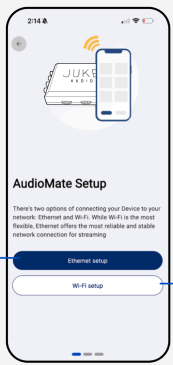
For optimal performance, please connect your AudioMate via Ethernet into the LAN port of your router or nearest access point. Can’t hardwire the unit? Please place a wireless access point as close to the Juke as possible for best connection.